
Education-provider setup programme

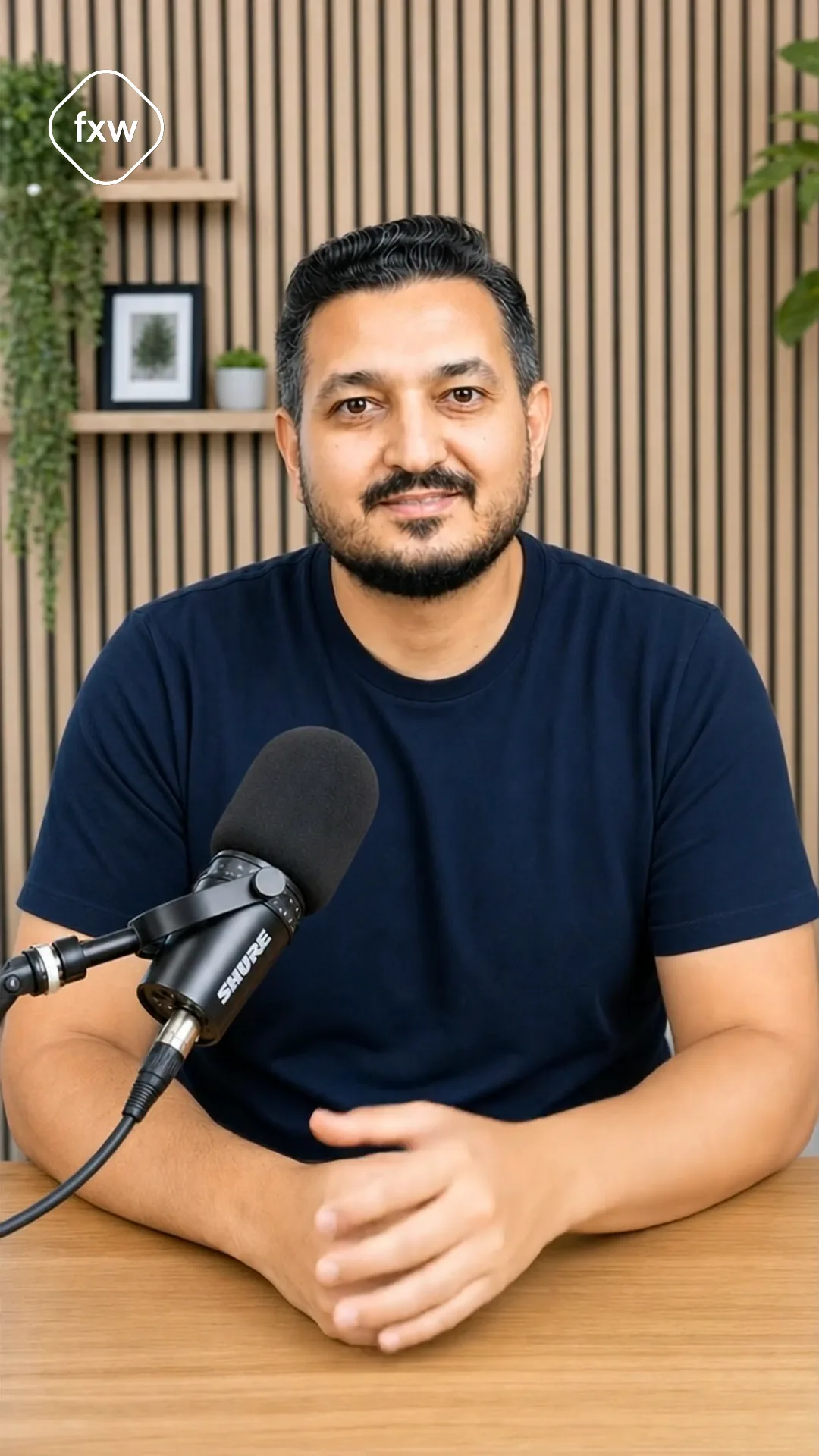
Education providers automate with Zoho One

From the first seminar enquiry to the certificate, everything runs in one system. Your team focuses on content, not lists.

  • Centralise seminars, bookings, participants and certificates in one place
  • Automate marketing, event planning and follow-up workflows
  • Standardise everything from invitation through certification to billing
▶ 1:37
Transformations

What we changed for real businesses.

1 / 2
Case study·Germany

Consulting

A German management consultancy wanted to run on a fully integrated Zoho One platform from day one.

Pain
  • Multiple logins for every app in the daily workflow
  • Project billing required manual Excel mapping
  • DATEV handover ran on email attachments and follow-ups
  • Historical projects sat unlinked outside the CRM
Gain
  • One password unlocks the whole Zoho One ecosystem
  • Timelogs in Projects flow automatically into invoices in Books
  • Receipts move via auto-BCC to the tax advisor with no detour
  • Excel timelog mapping imports the legacy project history into CRM
Project Duration ~7 months
Built with
Zoho OneMicrosoft AzureZoho CRMZoho ProjectsZoho BooksDATEV

Case study·Germany

Coaching

A German business-coaching provider running multiple programs, multiple sites and Meta ads needed a complete lead-to-coaching machine.

Pain
  • Leads from Meta, multiple sites and WhatsApp landed in separate inboxes
  • Quotes were assembled manually per program
  • Coaching completions stayed scattered in email threads with no file
  • Forgotten follow-ups left pipelines cold
Gain
  • One lead pool across all channels with clear source tracking
  • Dynamic quotes at the push of a button, program- and client-specific
  • Coaching-complete automatically files the Workdrive folder
  • Reminder and follow-up sequences keep every lead warm
Project Duration ~13 months
Built with
Zoho CRMMetaWhatsAppZoho ProjectsZoho BooksZoho Writer
The problem

Full seminars, but the back office is drowning in admin

At training institutes, time isn't lost in the classroom, it's lost in the admin behind it. Enrolment, communication and follow-up run separately and by hand.

  • Enrolment and payment separated

    Bookings come in via form, email and phone, each captured by hand. Billing runs separately. Broken media and double entry.

  • Communication by hand

    Confirmations, reminders and pre-course info are sent one by one. Time-consuming and error-prone, especially with parallel dates.

  • Follow-up as busywork

    Certificates, feedback and invoices come up again after every seminar. Without automation, pure manual work.

The solution

One system for your entire training process

What used to be scattered across form, inbox and spreadsheet now follows one flow. Enrolment, communication and follow-up interlock instead of running one by one by hand. That's how you bundle seminars, bookings, participants and certificates in one place.

Zoho One workshop in a modern seminar room: a trainer presenting to young participants with laptops

Booking and payment brought together

Enrolments from form, email and phone land in the CRM automatically, with billing right next to them. No retyping, no double entry, no broken media.

Enrolment formAuto participantBilling
A young coordinator working on a laptop, smiling, in a modern seminar room

Communication that runs itself

Confirmations, reminders and pre-course info go out automatically, even with several parallel dates. Your team no longer sends one by one.

Auto confirmationRemindersSchedule updates
A trainer handing an attendance certificate to a young participant, other participants applauding in the background

Follow-up without busywork

Certificates, feedback requests and invoices generate themselves per seminar. What used to repeat with every date now runs standardised.

CertificateFeedbackAuto invoice
Zoho · configured for education providers

Your Zoho apps, tailored to your training process.

No off-the-shelf CRM. We set up each app around your flow: from the seminar enquiry through booking to the certificate.

Zoho Bookings Search… + Add
Seminar planning & dates Mon
Enrolment phase Tue–Wed
Delivery Thu
Certification Fri
Zoho Bookings

Bookings · Seminar Planning

From planning to certification: every step scheduled and assigned.

  • Dates & rooms scheduled
  • Trainer assignment
  • Progress live
Zoho CRM Search… + Add
Prospect2
Cls
M. Krüger · Project Management
€ 1.450
Web
S. Vogel · Excel Advanced
€ 690
Enrolled1
Cls
Bauer GmbH · Leadership Training
€ 4.200
Attended1
Web
L. Hoffmann · Scrum Master
€ 1.180
Zoho CRM

CRM · Enrolment Pipeline

Every seminar enquiry as a deal: classroom or webinar, fee, stage and next step.

  • Pipeline by enrolment status
  • Classroom & webinar separated
  • Booking instead of spreadsheet
WorkDrive · Sign Search… + Upload
SeminarsProject ManagementMaterials
ParticipantContract_Krüger.pdf 12.05 signed
SeminarScript_PM.pdf 10.05 approved
FeedbackForm.docx 14.05 waiting
AttendanceCertificate_Krüger.pdf draft
WorkDrive · Sign

Materials & Certificates

Contracts, scripts and attendance certificates right on the seminar, including e-signature.

  • Everything filed on the seminar
  • E-signature for contracts
  • Certificates from template
Zoho Books Search… + New
InvoiceParticipantSeminarFeeStatus
RE-2025-082M. KrügerProject Management€ 1.450 Paid
RE-2025-085S. VogelExcel Advanced€ 690 Open
RE-2025-088Bauer GmbHLeadership Training€ 4.200 Part payment
RE-2025-091L. HoffmannScrum Master€ 1.180 Sent
Zoho Books

Seminars & Payments

Fees, part payments and open items per participant in one place.

  • Fee per seminar & participant
  • Part payments tracked
  • Open items in view
Program & workflow

How we roll out Zoho One for you

We think our way into your workflow and see ourselves as a long-term development partner. Here are the four phases.

  1. AnalysisWe review your workflow from the seminar enquiry through booking to billing and find your biggest time sinks.
  2. ConceptWe design your processes in Zoho One and plan the Zoho architecture (business process mapping).
  3. ImplementationSetup, configuration, the automations and migration of your participant and seminar data.
  4. SupportTraining for your back-office team, fine-tuning and ongoing support, so the system becomes a fixed part of your everyday work.
AI in practice

Where AI genuinely takes work off an education provider.

No gimmicks: concrete points where we build AI into real Zoho setups for education providers, so your back office types less and no enrolment slips through.

  • Routing seminar enquiries by hand
    Enquiry triage

    Seminar enquiries land sorted on the right seminar

    Incoming enquiries are read automatically, matched to the right seminar and prioritised, without anyone sorting the inbox by hand.

  • Typing enrolments by hand
    Form extraction

    Enrolments read themselves out

    Name, company and chosen seminar are extracted from submitted enrolment forms via OCR and written into the CRM as a participant, nothing retyped.

  • Retyping standard replies every time
    Reply assistant

    Standard replies prepared in seconds

    For recurring questions on dates, prices or content, the AI suggests ready-made reply drafts in your institute's tone. Your team only reviews and confirms.

Contact

Handle more seminars with the same team?

Let's find out, with no obligation, where your workflow holds the most potential. Concrete and tailored to your institute. As an authorised Zoho partner we support you from setup to running operations.

● Free discovery call · no obligation

We use your details only for the call. No spam.

Frequently asked

What you'll want to know before the call.

Can we manage several seminars and dates in parallel?

Yes. Each seminar has its own dates and participant lists. For every seminar you see at a glance who's booked, paid and attending, even when several runs happen at the same time.

Does the system generate attendance certificates automatically?

Yes. Once a seminar finishes, attendance certificates are generated per participant from your template and can be sent straight away, without anyone filling them in one by one.

How long does rolling out Zoho One take?

Depending on scope, typically a few weeks to a few months. After our first meeting we give you a rough estimate, and after the requirements meeting a realistic estimate for your specific business.

What does Zoho One cost?

Zoho One costs €37 per employee per month on an annual plan, or €45 per employee with monthly billing. That includes all 50+ Zoho apps. We show you which option fits your business in the consultation, including a comparison with your current tools if you like.

Do we have to re-enter our existing data?

No. We migrate existing participant, booking and invoice data into Zoho One as part of the implementation, provided it can be exported from your current system.

Can Zoho One connect to our existing tools?

In most cases yes. Google and Microsoft connect easily for email, calendar and drive, as do many other common applications. Beyond that, almost any system can be integrated individually via the Zoho API.

Does Zoho One suit smaller institutes and mobile teams?

Yes. Zoho One works for sole traders as well as growing teams. Your team accesses records, tasks and documents on the go via the app, even when out of the office.

Where is our data stored?

On request in Zoho's EU data centres, GDPR-compliant. Your data stays within the European legal space, an important point for institutes with sensitive participant and customer data.

How much time does the project cost us day-to-day?

As little as possible. Your team is only involved at a few clearly agreed points, such as analysing the workflow, providing information and training, so your day-to-day work keeps running.